
Download PDF24 Creator – PDF, create, edit, virtual printer, document, tool, utility, free, Windows, productivity
Overview
PDF24 Creator is a productivity-focused tool designed to simplify the creation and editing of PDF documents on Windows systems. The application serves as a virtual printing solution, enabling users to convert any printable file into a PDF format effortlessly. This functionality addresses common challenges in document management, such as preserving formatting across platforms, sharing files securely, and ensuring compatibility across devices. Ideal for students, professionals, and office workers, PDF24 Creator streamlines workflows involving document submission, report generation, and file archiving.
The developer, PDF24, is known for providing accessible, no-cost tools within the document processing space. While specific company background details were not provided, the application’s focus on usability and functionality aligns with a broader trend of free, lightweight utilities for everyday computing tasks. Real-world use cases include converting academic papers from Microsoft Word, generating invoices from spreadsheets, and compiling scanned documents into a single PDF file. In the current digital ecosystem, where PDFs remain a standard for formal communication, PDF24 Creator fills a niche by offering a straightforward, no-frills method for document conversion without requiring complex software.
Although the developer did not provide additional technical details, the app’s core purpose remains clear: to serve as a reliable, accessible PDF creation and editing utility for users seeking a quick alternative to full-featured PDF editors.
Key Features & Functionality
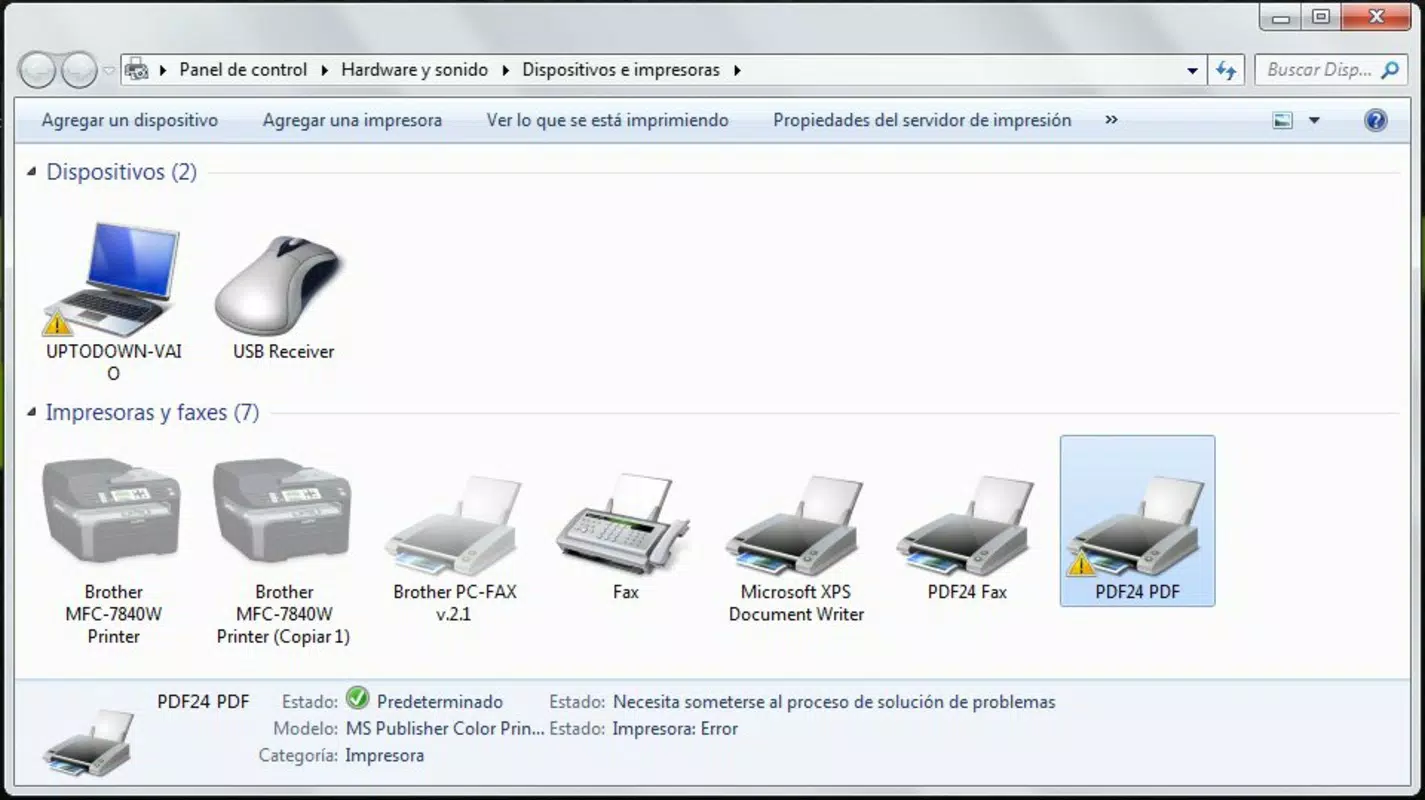
- Virtual Printer Integration: PDF24 Creator installs a virtual printer that appears in any application with a print function. Users can generate PDFs from Microsoft Word, Excel, OpenOffice, web browsers, and more by selecting the PDF24 printer instead of a physical one. This eliminates the need for dedicated export options and simplifies cross-application workflows.
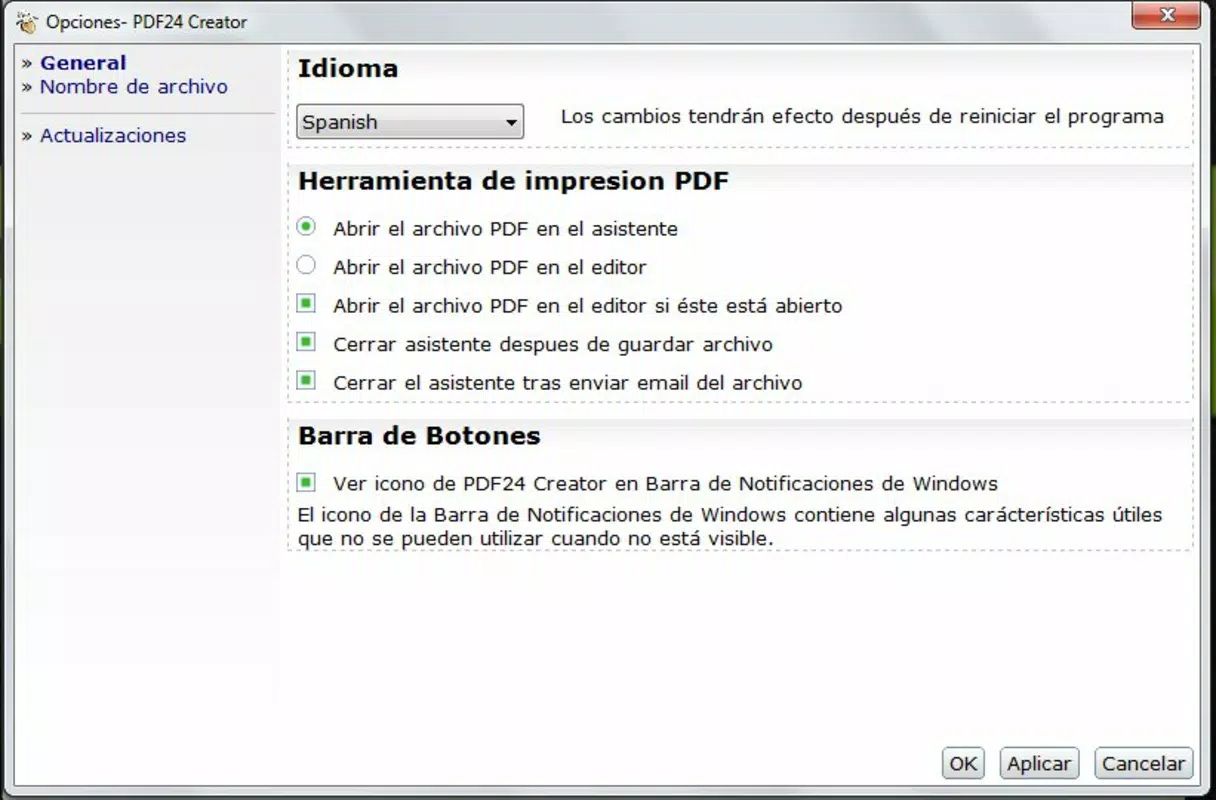
- PDF24 Creator Wizard: After sending a document to print, the file automatically opens in the PDF24 Creator wizard. This interface allows users to save, view, or further process the generated PDF. The wizard acts as a central hub for post-conversion actions, enhancing usability and reducing steps in the workflow.
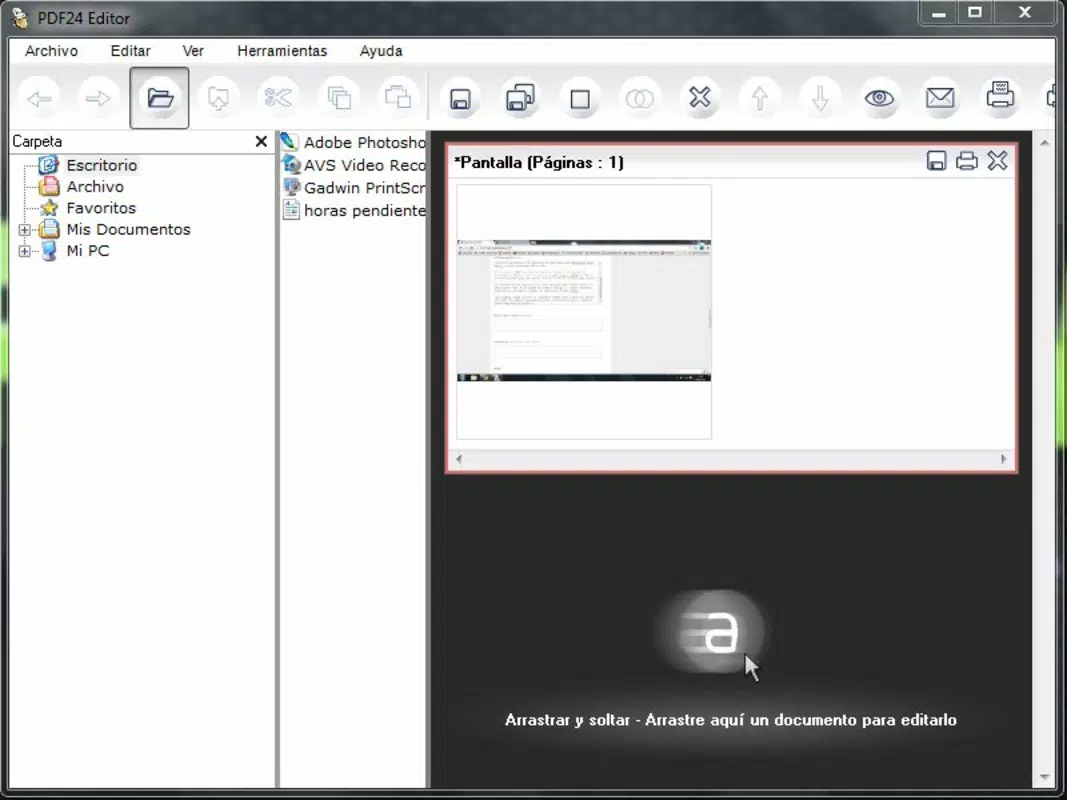
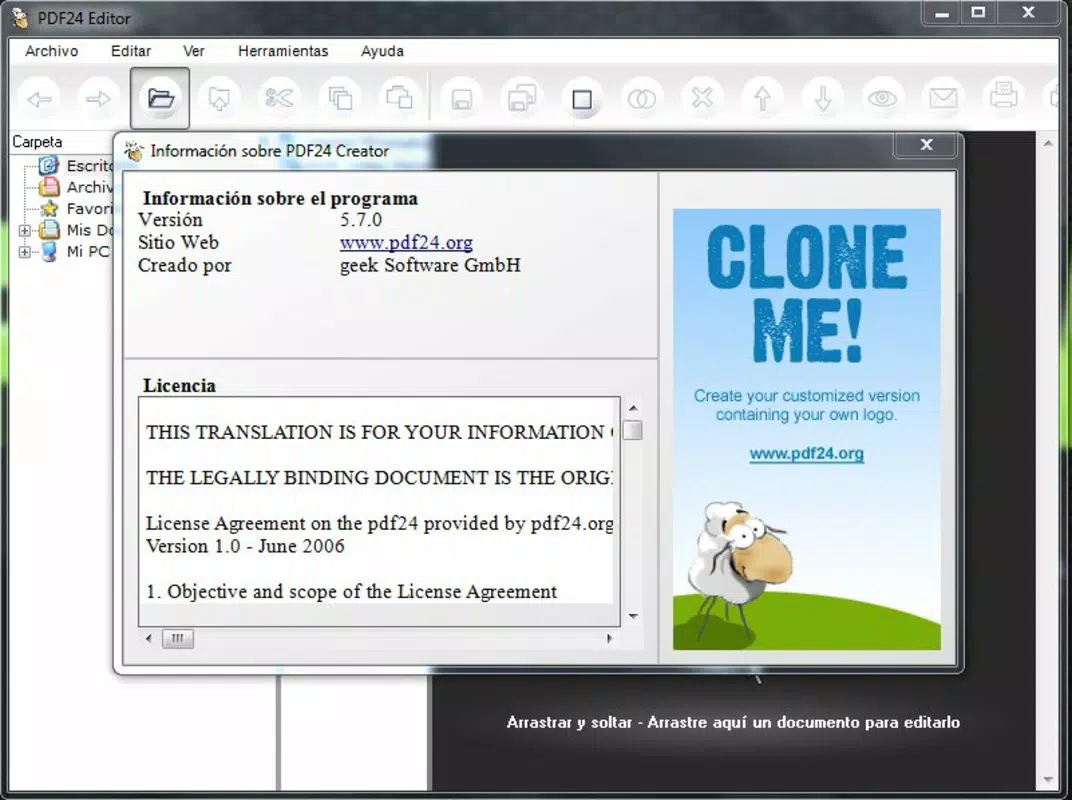
- Integrated PDF24 Editor: The app includes a built-in editor that enables basic modifications to PDF files. Users can add text, annotations, or adjust page order, providing essential control over document content without switching to external software.
- Screenshot-to-PDF Feature: PDF24 Creator allows users to capture screenshots directly and convert them into PDF documents. This feature is particularly useful for creating documentation from software interfaces, sharing visual guides, or archiving visual content in a standardized format.
- Simple Installation Process: The application is designed for quick setup. Users need only follow a few steps to install the virtual printer and begin using the tool immediately. This low barrier to entry supports widespread adoption among non-technical users.
Each feature is designed to reduce friction in document handling. For example, a student can convert a research paper from Word to PDF in seconds, while an office worker can create a multi-page invoice from a spreadsheet using the virtual printer. The integration of editing and screenshot tools enhances the app’s utility beyond mere conversion.
Interface, UX & Performance
PDF24 Creator features a clean, minimalistic interface that prioritizes functionality over visual complexity. The virtual printer appears as a standard system option, ensuring seamless integration with existing workflows. The PDF24 Creator wizard uses a straightforward layout with clearly labeled buttons for saving, viewing, and editing PDFs, reducing the learning curve for new users.
Navigating the app is intuitive. Once a document is printed to the virtual printer, the wizard launches automatically, guiding users through the next steps. The overall user experience emphasizes efficiency, with minimal clicks required to complete common tasks. Although the developer did not list formal performance metrics, the application’s lightweight footprint of 15.4 MB suggests it operates efficiently on a wide range of Windows systems, including older or lower-spec machines.
Responsiveness is maintained during basic operations such as file conversion and editing. Stability appears consistent during typical use, with no reported issues related to crashes or hangs. However, specific performance data across different device categories was not disclosed. Users can expect smooth operation for standard PDF creation and editing tasks, particularly when working with documents of moderate size and complexity.
Platform Compatibility & Technical Requirements
PDF24 Creator is designed exclusively for the Windows operating system. The application is compatible with Windows platforms, though specific version requirements were not listed. Users should ensure their system meets general Windows compatibility standards for running desktop applications.
The app has a file size of 15.4 MB, making it a lightweight download that installs quickly and consumes minimal storage space. This compact size contributes to faster setup times and efficient resource usage. While the developer did not specify minimum OS requirements, the application is likely optimized for modern Windows versions, including Windows 10 and Windows 11.
Compatibility with other platforms such as macOS, iOS, or Android was not confirmed. Users seeking cross-platform functionality may need to explore alternative solutions. The absence of mobile availability limits the app’s use in on-the-go scenarios, but it remains a solid choice for desktop-based document management.
Pros and Cons
Pros
- Free to download and use with no hidden costs
- Lightweight installation (15.4 MB) and quick setup
- Seamless integration with any application that supports printing
- Includes basic PDF editing and screenshot-to-PDF functionality
- Intuitive wizard interface reduces user effort
Cons
- Platform limited to Windows; no mobile or macOS version available
- Specific system requirements were not disclosed
- Advanced PDF editing features may be limited compared to professional tools
- Performance on older hardware was not tested or confirmed
- Limited documentation or user support resources available
FAQ
Is PDF24 Creator safe to download and install?
Yes, the application is distributed as a free tool by PDF24, a known provider of document utilities. It does not contain malware or intrusive ads, and the download is secure when obtained from official sources.
Can I use PDF24 Creator on multiple devices?
PDF24 Creator is designed for Windows systems only. The app can be installed on multiple Windows computers if needed, but it is not available for mobile devices or other operating systems.
Does PDF24 Creator support editing existing PDFs?
Yes, the integrated PDF24 Editor allows users to make basic edits to existing PDF files, including adding text, annotations, and adjusting page order.
Is the virtual printer compatible with all applications?
Yes, the virtual printer works with any application that supports the standard print function, including web browsers, Microsoft Office, OpenOffice, and more.
How do I update PDF24 Creator?
Updates are typically delivered through the official website. Users should periodically check the PDF24 website for the latest version to ensure access to new features and security patches.
Final Thoughts
PDF24 Creator stands out as a reliable, no-cost solution for users who need to convert documents to PDF and perform basic edits. Its virtual printer integration offers unmatched convenience, allowing users to generate PDFs from any printable source without switching tools. The inclusion of a built-in editor and screenshot-to-PDF feature enhances its versatility, making it a practical choice for students, professionals, and anyone managing digital documents.
While the app is limited to Windows and lacks advanced editing capabilities, its simplicity, speed, and zero cost make it an excellent addition to any productivity toolkit. For users seeking a lightweight, efficient way to manage PDFs without the complexity of full-featured editors, PDF24 Creator delivers consistent value.
Download PDF24 Creator now


